guide
Using Prisma with Next.js 16 App Router
A complete, server-first guide to using Prisma with Next.js 16 App Router, covering setup, schema design, data fetching, and best practices.
10
Share this article
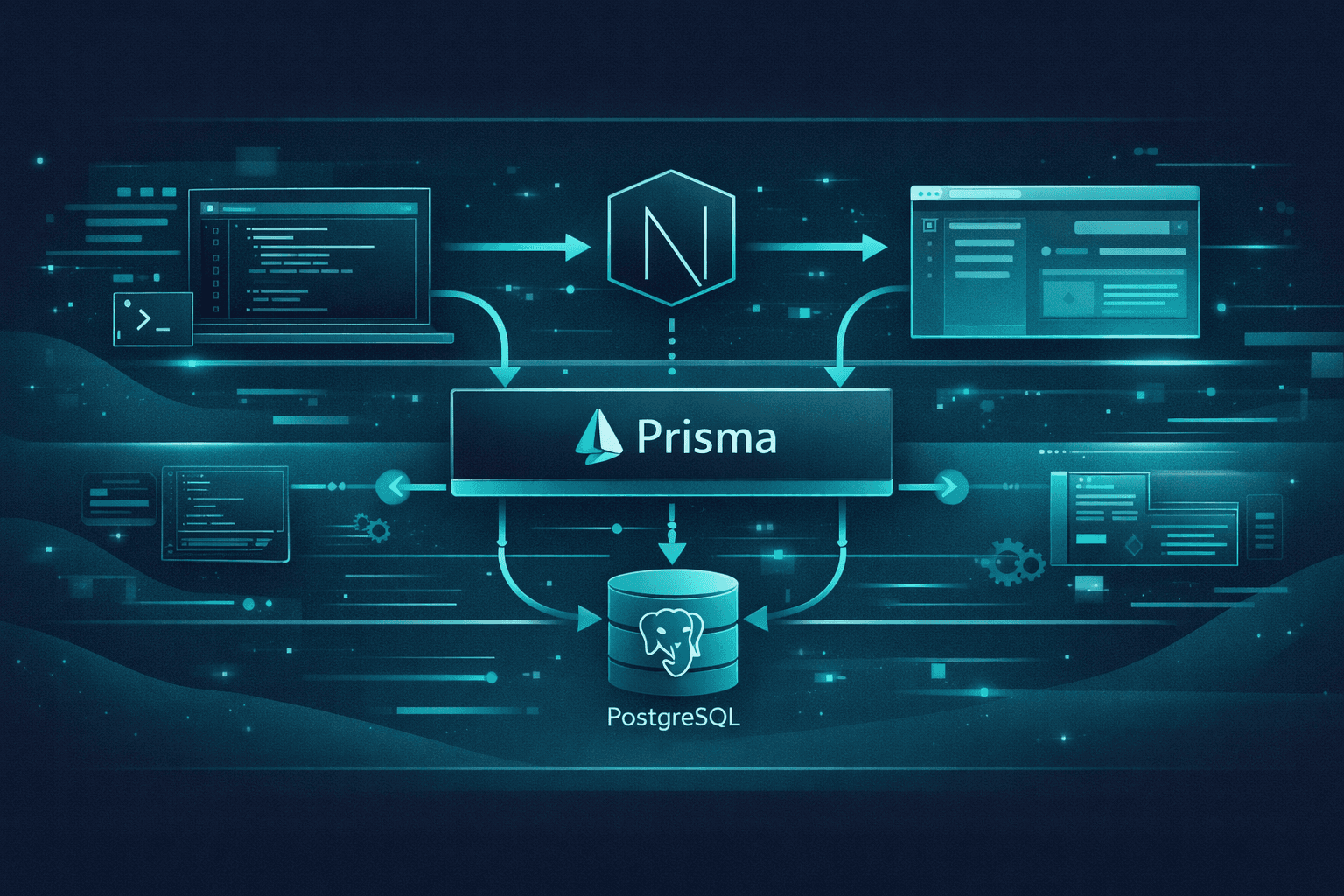
Why Prisma Fits the App Router Perfectly
Next.js 16 pushes a server-first architecture.
Prisma was built for exactly this:
- Type-safe database access
- Zero runtime SQL strings
- Excellent performance on the server
Together, they eliminate an entire class of bugs.
Installing Prisma
Start by installing Prisma and the client:
pnpm add prisma @prisma/client
pnpm prisma init
This creates:
prisma/schema.prisma.envwith a database URL
Configuring PostgreSQL
Update your .env file:
DATABASE_URL="postgresql://user:password@localhost:5432/mydb"Prisma works seamlessly with hosted databases like Neon, Supabase, or Railway.
Defining Your Schema
model Post {
  id        String   @id @default(cuid())
  title     String
  content   String
  published Boolean  @default(false)
  createdAt DateTime @default(now())
}
Prisma schemas are declarative and self-documenting.
Creating the Prisma Client
// lib/prisma.ts
import { PrismaClient } from "@prisma/client";

const globalForPrisma = globalThis as unknown as {
  prisma: PrismaClient | undefined;
};

export const prisma =
  globalForPrisma.prisma ?? new PrismaClient();

if (process.env.NODE_ENV !== "production") {
  globalForPrisma.prisma = prisma;
}
This prevents connection leaks in development.
Fetching Data in Server Components
export async function getPosts() {
  return prisma.post.findMany({
    where: { published: true },
  });
}
No API routes required.
Using Data in Pages
export default async function BlogPage() {
  const posts = await getPosts();

  return (
    <ul>
      {posts.map((post) => (
        <li key={post.id}>{post.title}</li>
      ))}
    </ul>
  );
}
Mutations with Server Actions
"use server";

export async function createPost(data: FormData) {
  await prisma.post.create({
    data: {
      title: data.get("title") as string,
      content: data.get("content") as string,
    },
  });
}
No API layer needed.
Common Mistakes
- Using Prisma in client components
- Creating multiple Prisma clients
- Fetching data via
fetch()unnecessarily
Final Thoughts
Prisma + App Router is the cleanest full-stack DX Next.js has ever had.
Stay Updated
I share new articles, insights, and experiments in modern web development. No spam — just useful content.